░█▀▀░█▀▀░▀█▀░█▀▀░█░█
░█▀▀░█▀▀░░█░░█░░░█▀█
░▀░░░▀▀▀░░▀░░▀▀▀░▀░▀
Shortcuts for your AI.
The minimalist command bar that brings powerful AI directly to your workflow. Run custom zero-shot prompts to summarize, code, or write—without ever switching tabs.
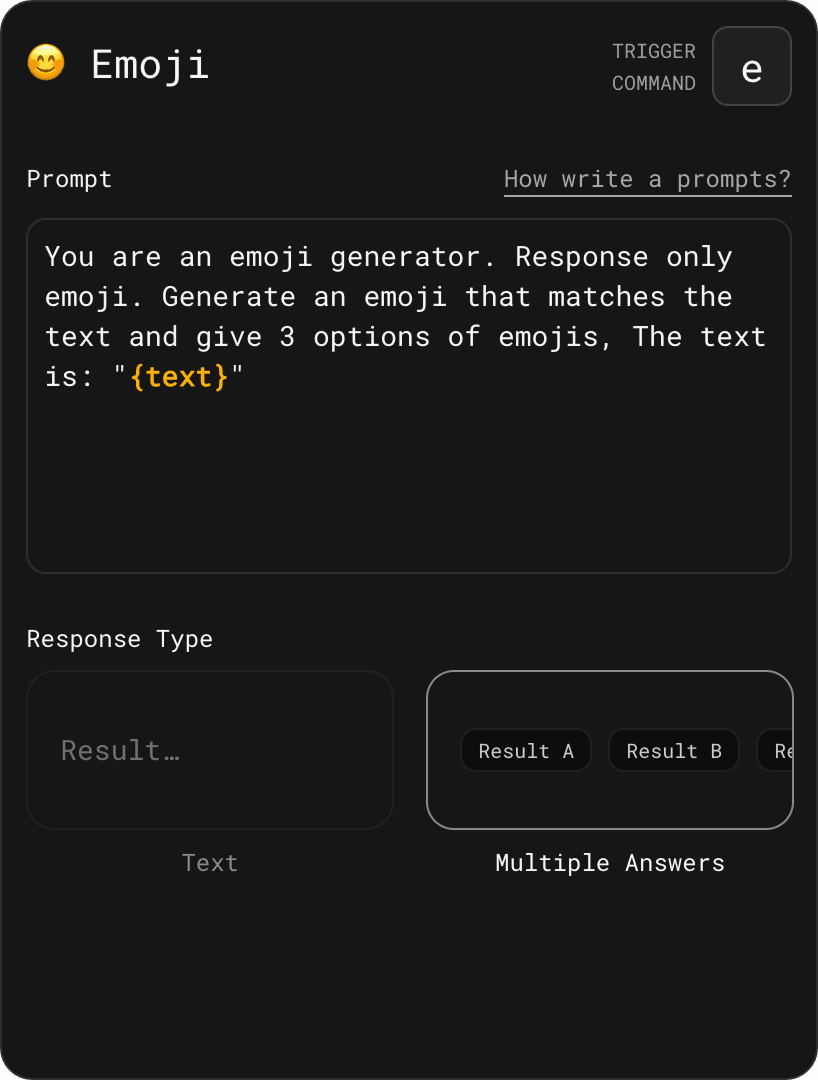
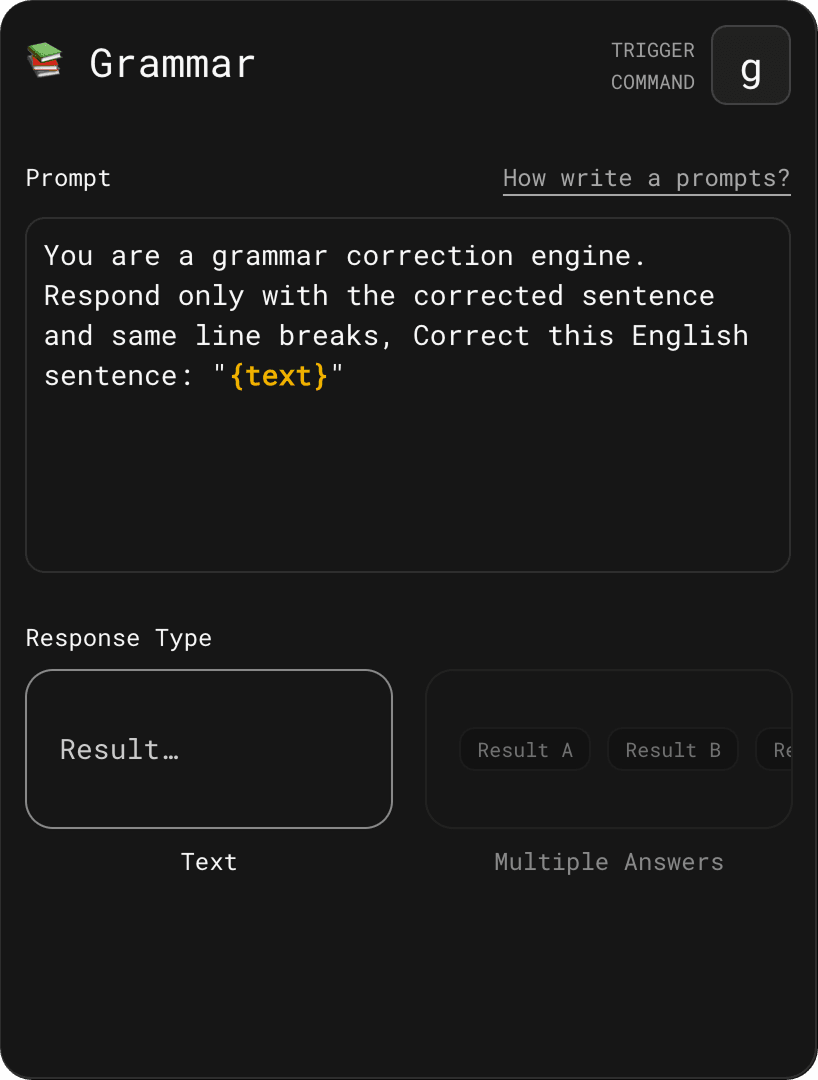
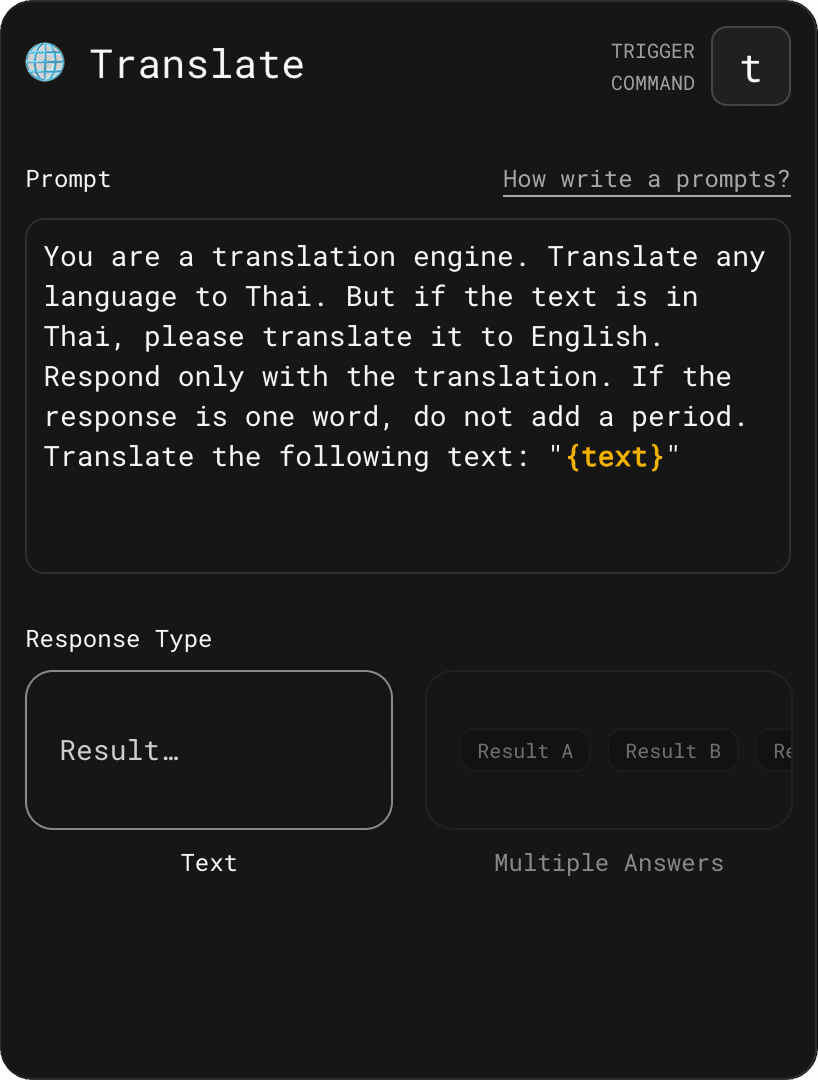
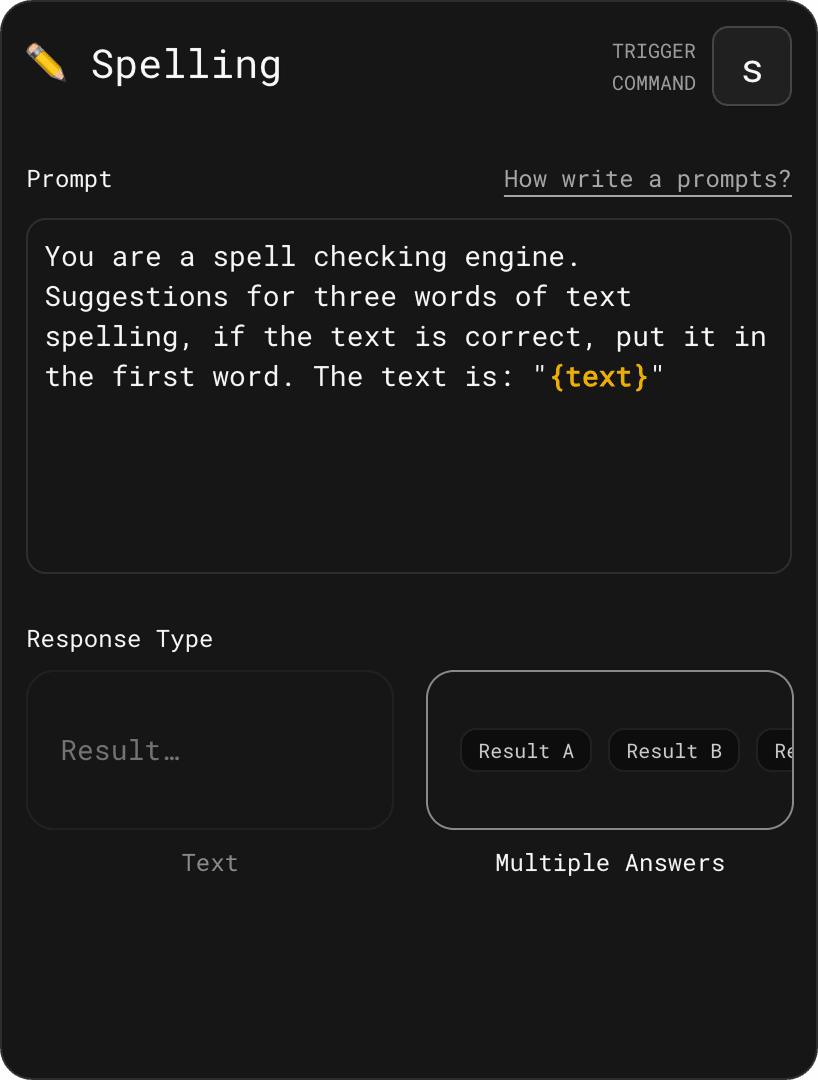
AI Commands
Automate your workflow with custom prompt shortcuts. Set it up once, trigger it instantly, and never type the same context twice.
Example Use Cases
See more AI command ideas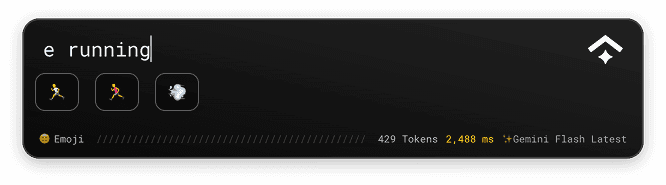
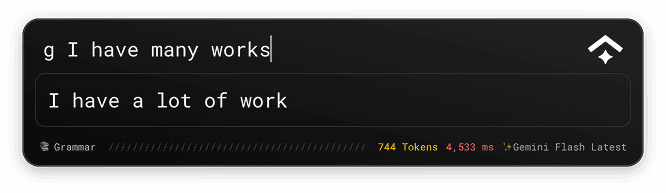
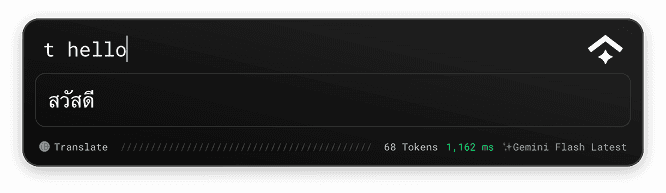
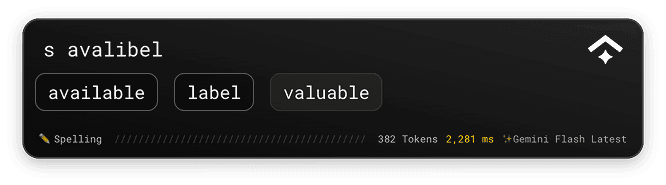

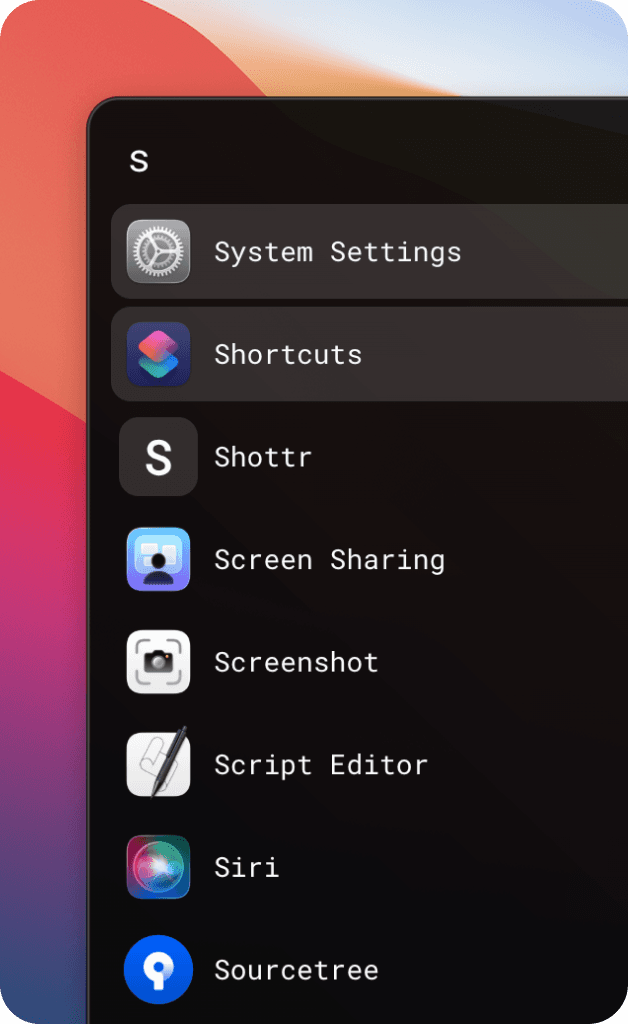
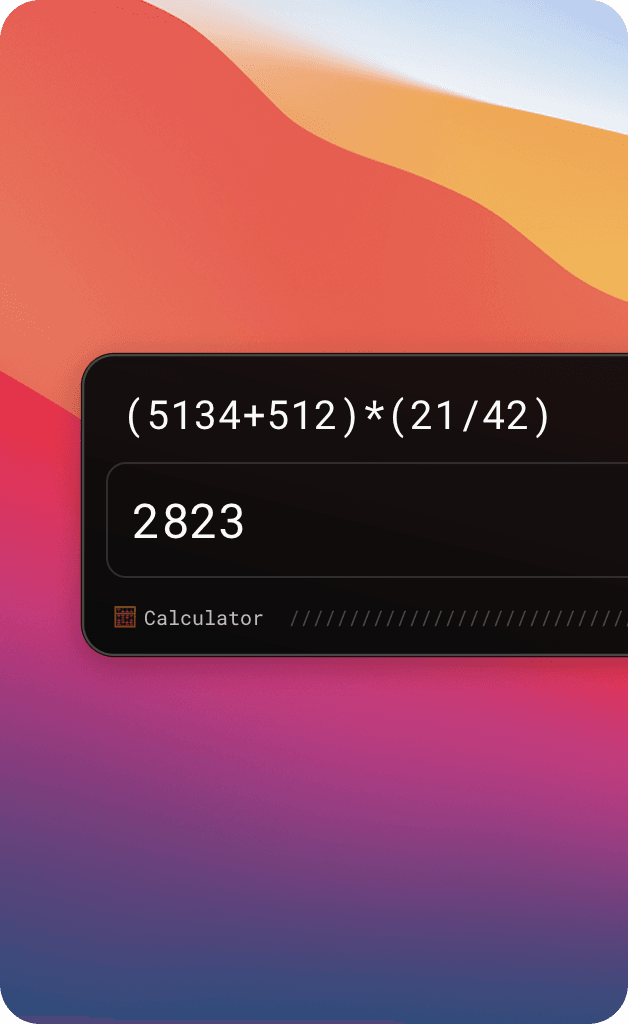
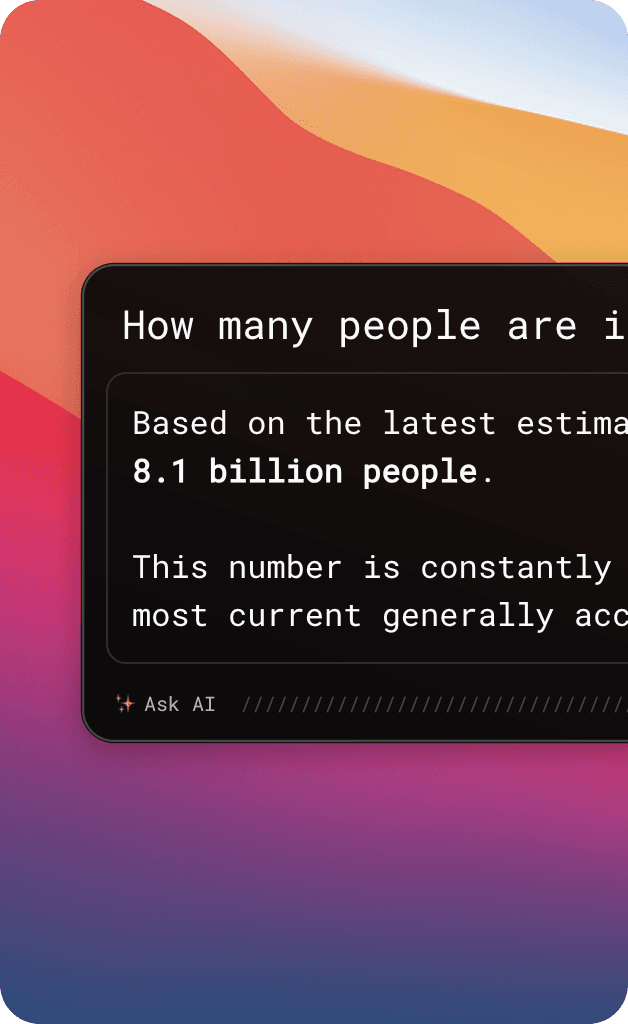
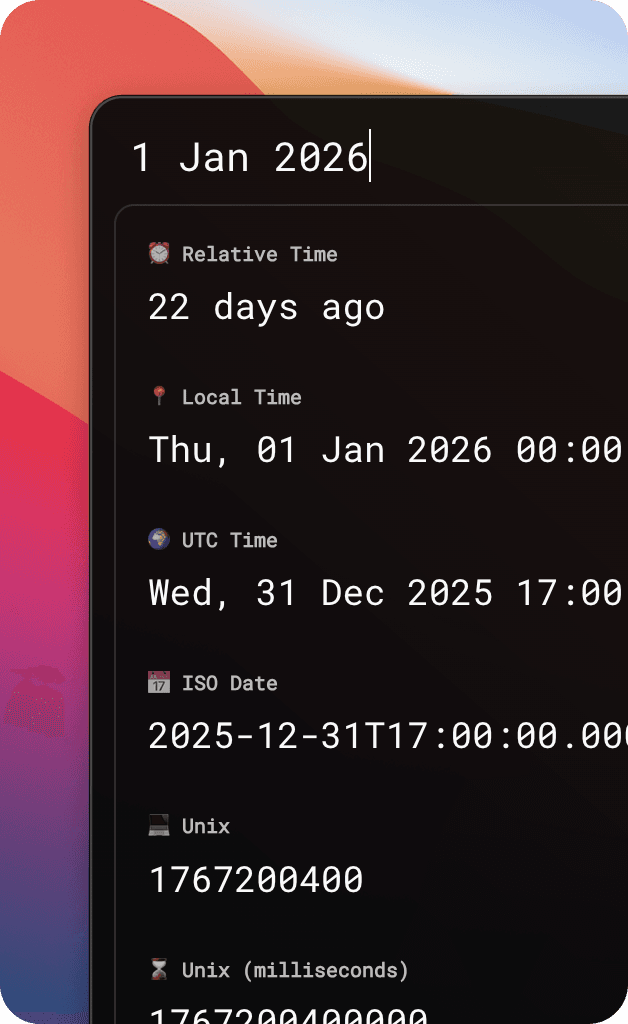
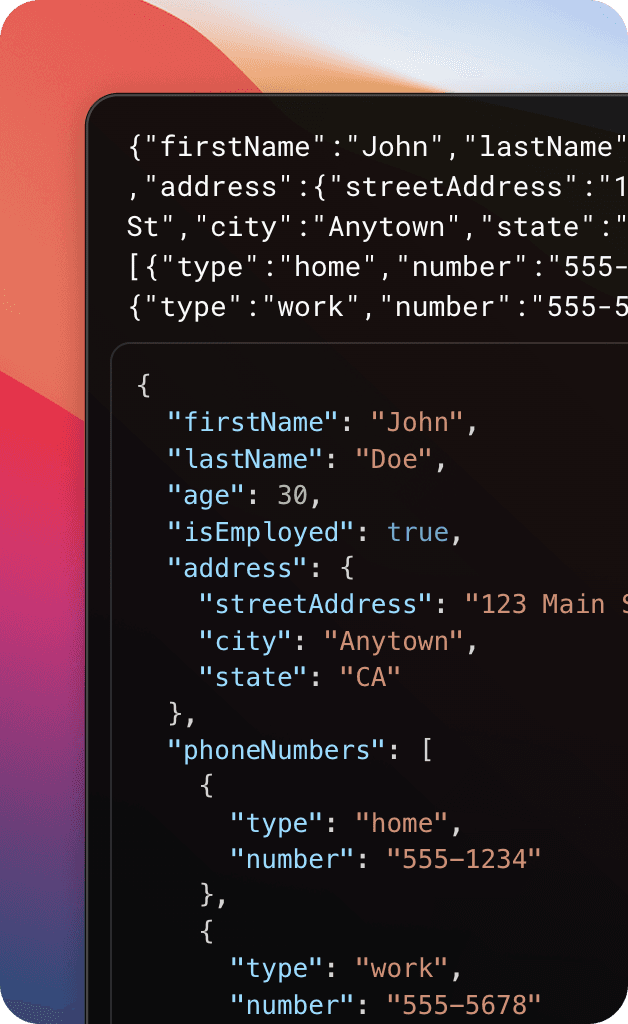
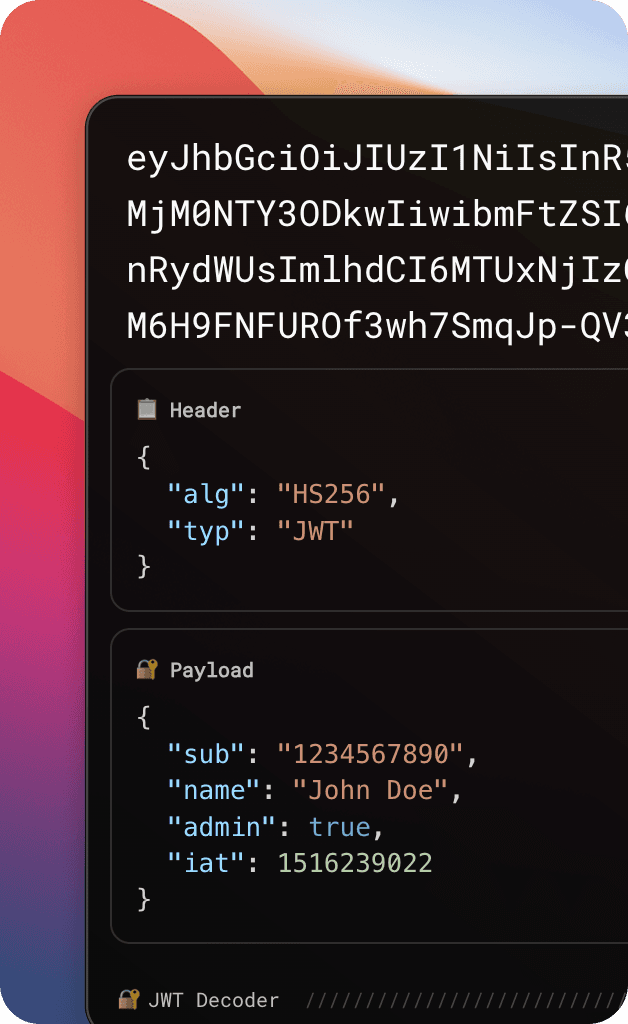
Fetch is an AI-powered launcher for macOS. Press a shortcut, type your command, and get instant AI-powered results. Create custom AI commands for translation, spell-checking, grammar fixes, and more.
You can create custom AI Commands in Settings. Each command has:
Trigger — a letter or short text (e.g., t for translate)
Prompt — instructions for the AI, use {text} as placeholder for your input
Example: Type t hello world → AI translates "hello world" to your target language.
Fetch includes these built-in commands that work offline without an API key:
Calculator — Math expressions
JSON Formatter — JSON formatting & validation
JWT Decoder — JWT token decoding
Date Convert — Date parsing & formatting
Search Applications — Search & launch macOS apps
For AI Commands — Yes, you need a Gemini API key. Get one for free at aistudio.google.com — see our step-by-step guide
For built-in commands — No API key needed. Calculator, JSON, JWT, Date, and Applications work completely offline.
Yes. Your API key is stored locally using macOS safeStorage with encryption. We never send your key to our servers — all API calls go directly from Fetch to Google's servers. You can revoke your key anytime from Google Cloud Console.
We never collect your content. What you type, your queries, and AI responses stay on your device.
We collect anonymous usage analytics via Aptabase to improve Fetch:
• Which commands and features are used
• App version, platform, and error rates
• AI provider and response time (bucketed)
• No personal identifiers or device IDs
• No query content or AI responses
• No API keys or credentials
Yes, Fetch is completely free. You only pay for what you use through Google's Gemini API — and Google offers a generous free tier that's enough for most users.
Each Gemini model has its own quota. If you hit the limit on one model, simply switch to another model in Settings. Quota limits vary by model — check Google's free tier details for specifics.
You can choose any Gemini model in Settings. For quick tasks like translation and spell-checking, Gemini Flash is fast and has a higher free quota. For complex tasks, try Gemini Pro.
Fetch requires macOS 10.15 (Catalina) or later.
Yes, you can use Fetch for your commercial work. However, redistributing or reselling the app itself is not permitted.
You can download Fetch from our website or GitHub releases page. No App Store, no signup required.
░█▀▀░█▀▀░▀█▀░█▀▀░█░█
░█▀▀░█▀▀░░█░░█░░░█▀█
░▀░░░▀▀▀░░▀░░▀▀▀░▀░▀
READY TO BOOSTYOUR WORKFLOW?
Download Fetch for free. No signup required.
Made with ❤️
Stay Updated
Get notified about new features and updates.